
Identify the exact work.
Connect the Record to one defined submission and version.
AsMade for Students · one assignment, more context
A finished submission shows the result. It may not show the research, judgment, drafting, checking or revision behind it — or where AI entered the process.
A MADE Record organises that context around one specific assignment. Course rules still apply, gaps stay visible, and the instructor makes the final judgment.
The important context is what the student did, what AI supported, which decisions remained human, and what information is actually available.
Topic choice, research, argument, checking, revision and final decisions can remain distinguishable from the assistance provided by AI.
The useful distinction
Grammar checking, brainstorming, translation, source discussion, structural feedback and draft generation are not the same activity. The final submission alone may not show which of these happened or what the student did around them.
The student selects the topic, researches sources, forms the argument and writes the draft. AI is used later for wording or grammar suggestions that the student reviews.
The student may then restructure, fact-check, reject, rewrite and replace substantial parts. The presence of an AI draft does not by itself describe the final human role.
A defined assignment and version, not a general score about the student.
Research, writing, checking, selection, revision and decisions can be described separately from AI assistance.
Missing drafts or chats remain gaps. Missing material is not automatically evidence of misconduct.
A teacher or instructor gets a clearer account to review, not an automatic verdict about originality, acceptability, quality or compliance.
Connect the Record to one defined submission and version.
Describe meaningful actions and decisions rather than flattening everything into “AI used.”
Available drafts, sources, versions, notes or AI interactions can support specific statements.
The Record does not decide whether the AI use was permitted or what grade the work deserves.
The current public examples are not student assignments. They show how the Record separates contribution, support and uncertainty across real AI-assisted work.
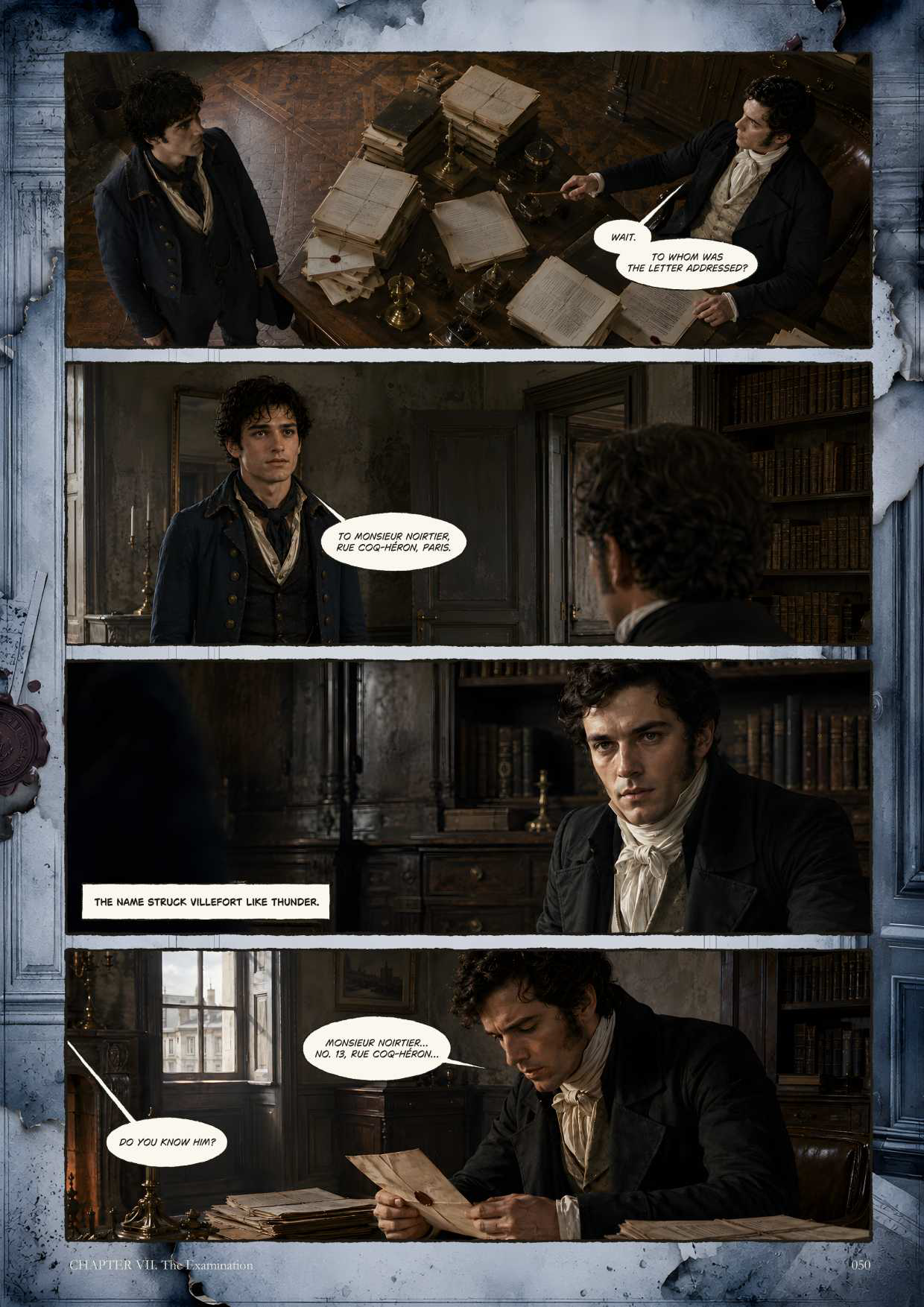
Shows direction, AI-assisted generation, rejection, selection, assembly and visible limits.
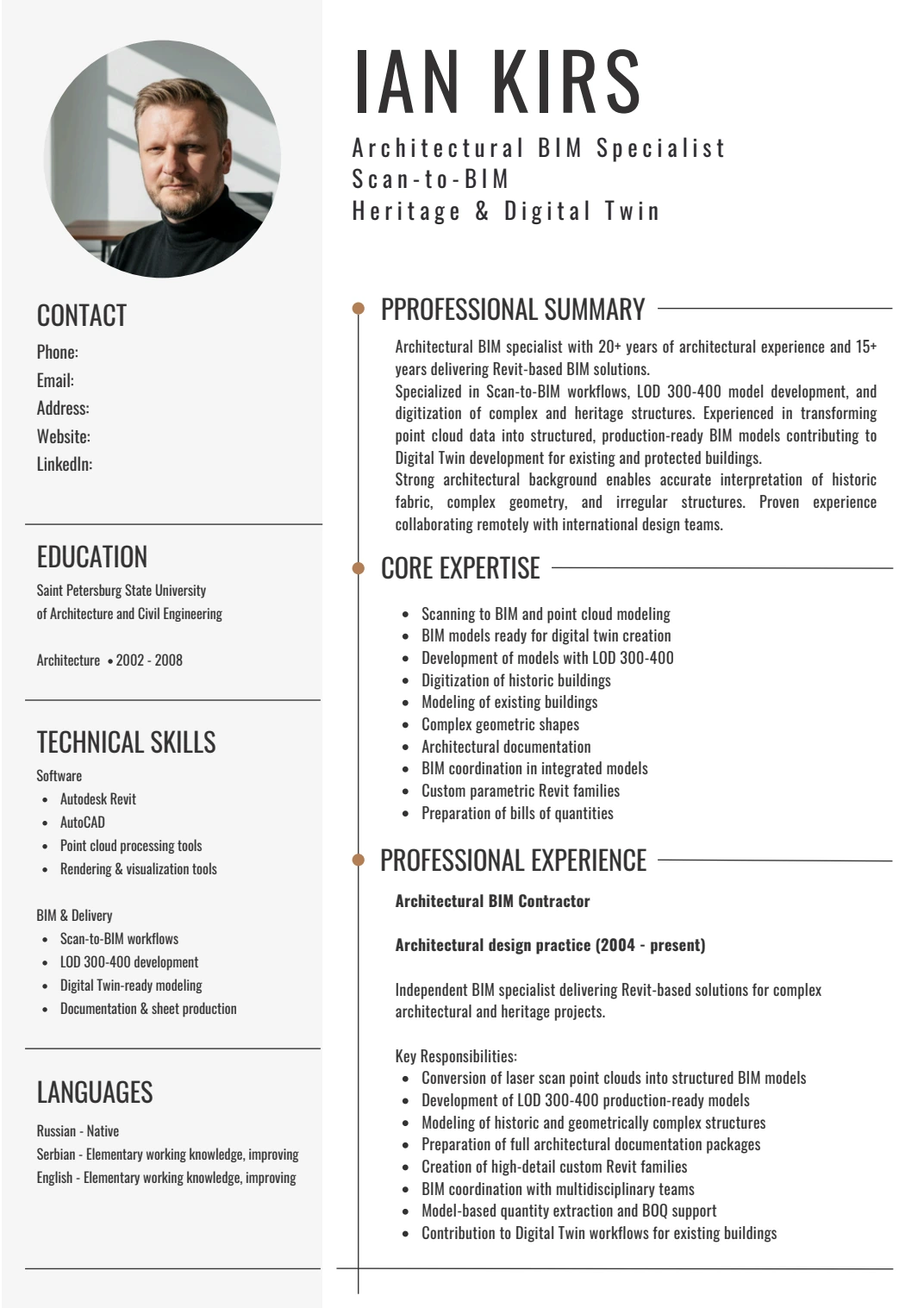
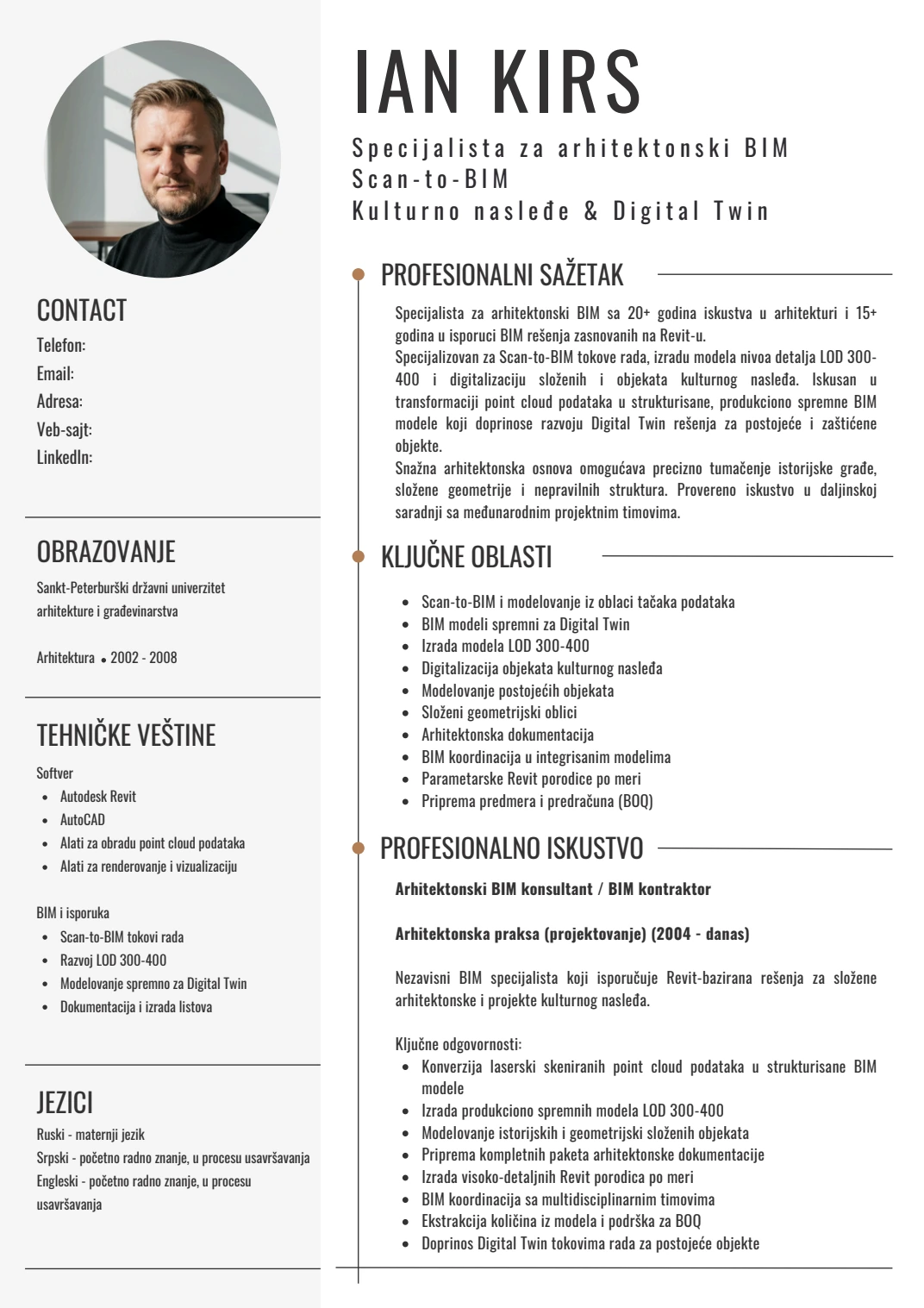
Shows source information, AI-assisted wording and translation, creator review and redacted public evidence.
These are controlled demo Records, not evidence that the student use case has already been validated.
Student boundary
Help us test the AsMade MVP with real student work. Apply for the pilot if you have an assignment where a MADE Record could help. No assignment files are needed at this stage.
Apply for the MVP Pilot